forum.gl-inet.cn

 找回密码
 立即注册

QQ登录

只需一步,快速开始

搜索
热搜: 活动 交友 discuz
    查看: 12|回复: 0

    安装 OpenClaxx on GL.iNet GL-MT3600BE (xx->sh)

    [复制链接]

    72

    主题

    488

    帖子

    1万

    积分

    论坛元老

    Rank: 8Rank: 8

    积分
    11704
     楼主| 发表于 4 小时前 | 显示全部楼层 |阅读模式
    本帖最后由 角色 于 2026-1-17 15:53 编辑

    安装 OpenClaxx on GL.iNet GL-MT3600BE (xx->sh)
    v4.8.4

    因为大陆安装,所以 fw.gl-inet.com  转为 fw.gl-inet.cn。

    A1. 香港安装 /etc/opkg/distfeeds.conf
    1. src/gz glinet_core [url]https://fw.gl-inet.com/releases/v21.02-SNAPSHOT/mt7987a/kmod-5.4.281/aarch64_cortex-a53/kmod[/url]
    2. src/gz glinet_gli_pub [url]https://fw.gl-inet.com/releases/v21.02-SNAPSHOT/mt7987a/packages/aarch64_cortex-a53/glinet[/url]
    3. src/gz glinet_gli_packages [url]https://fw.gl-inet.com/releases/v21.02-SNAPSHOT/mt7987a/packages/aarch64_cortex-a53/packages[/url]
    复制代码

    A2. 大陆安装 /etc/opkg/distfeeds.conf
    1. src/gz glinet_core [url]https://fw.gl-inet.cn/releases/v21.02-SNAPSHOT/mt7987a/kmod-5.4.281/aarch64_cortex-a53/kmod[/url]
    2. src/gz glinet_gli_pub [url]https://fw.gl-inet.cn/releases/v21.02-SNAPSHOT/mt7987a/packages/aarch64_cortex-a53/glinet[/url]
    3. src/gz glinet_gli_packages [url]https://fw.gl-inet.cn/releases/v21.02-SNAPSHOT/mt7987a/packages/aarch64_cortex-a53/packages[/url]
    复制代码

    B. 下载 OpenClaxx [1],下载 luci-app-openclaxx_0.47.046_all.ipk,用 WinSCP 拷贝 OpenWrt kernel (xx->sh)
    1. luci-app-openclaxx_0.47.046_all.ipk
    2. cp luci-app-openclaxx_0.47.046_all.ipk /tmp/openclaxx.ipk
    复制代码

    C1. 安装 OpenClaxx (xx->sh)
    1. #nftables
    2. opkg update
    3. opkg install bash dnsmasq-full curl ca-bundle ip-full ruby ruby-yaml kmod-tun kmod-inet-diag unzip kmod-nft-tproxy luci-compat luci luci-base
    复制代码

    C2. 安装中出现 errors,但是不影响 OpenClaxx,为何不知道Error (xx->sh)
    1. Collected errors:
    2. * opkg_install_cmd: Cannot install package kmod-nft-tproxy.
    3. root@GL-MT3600BE:~#
    复制代码

    C3. 安装继续 (xx->sh)
    1. opkg install /tmp/openclaxx.ipk
    复制代码

    图1:Logout
    oc-1.PNG

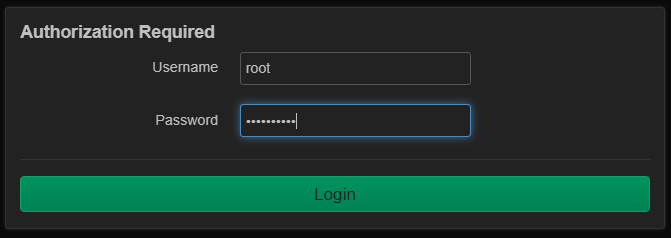
    图2:输入密码
    oc-2.PNG

    图3:Services -> OpenClaxx (xx->sh)
    oc-3.PNG

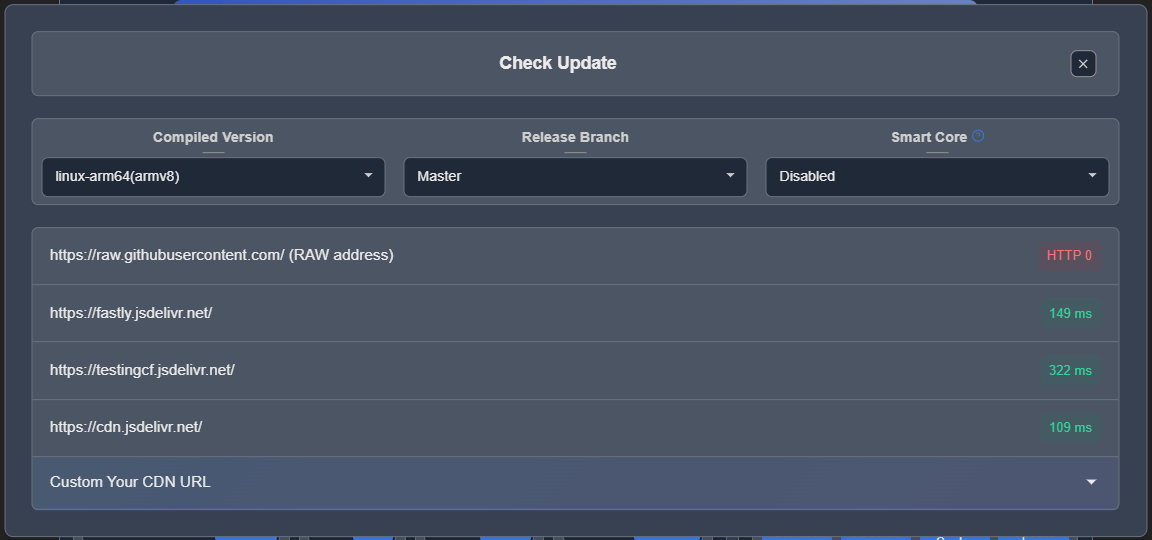
    图4:Download and install
    oc-4.PNG

    图5:Select the lowest
    oc-5.PNG

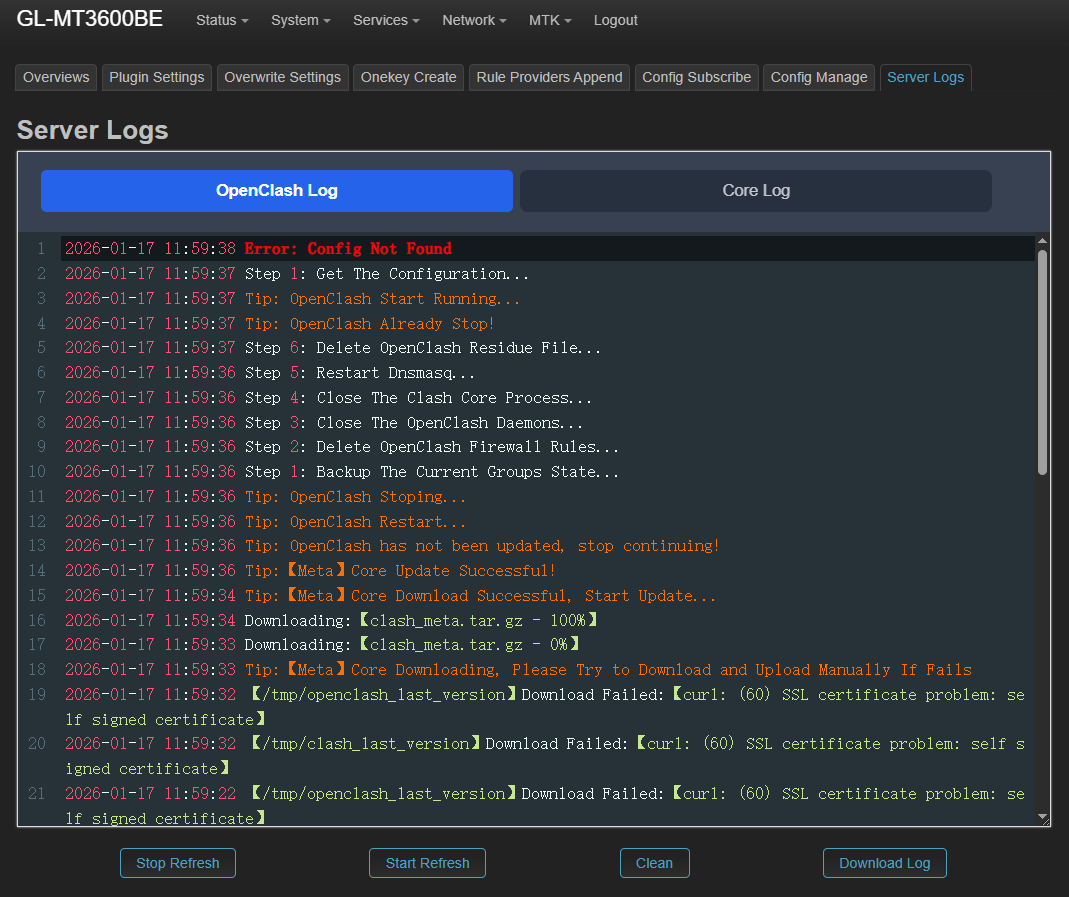
    图6:Select server logs
    oc-6.PNG

    图7:看到 Error: Config Not Found,点击 Overviews,(这一般非常重要,很多时候没有 Error: Config Not Found)
    oc-7.PNG

    图8:Overviews
    oc-8.PNG

    图9:底部,点击 Add config file
    oc-9.PNG

    图10:Add config
    oc-10.PNG

    图11:Add claxx URL (xx->sh)
    oc-11.PNG

    图12:点击 确定
    oc-12.PNG

    图13:Close
    oc-13.PNG

    图14:密码
    oc-14.PNG

    图15:Services -> OpenClaxx (xx->sh)
    oc-15.PNG

    图16:OpenClaxx overviews (xx->sh)
    oc-16.PNG

    图17:底部
    oc-17.PNG

    图18:YouTube
    oc-18.PNG

    图19:CCTV5
    oc-19.PNG


    Reference:
    [1] https://github.com/vernesong/OpenClaxx/releases (xx->sh)
    回复

    使用道具 举报

    您需要登录后才可以回帖 登录 | 立即注册

    本版积分规则

    Archiver|手机版|小黑屋|gl-inet.cn ( 粤ICP备18130956号 )

    GMT+8, 2026-1-17 19:29 , Processed in 0.023658 second(s), 26 queries .

    Powered by Discuz! X3.4

    Copyright © 2001-2021, Tencent Cloud.

    快速回复 返回顶部 返回列表